
Happy Horse 1.0: Turn Text and Images into AI Video 🎬
Create cinematic video content with Happy Horse 1.0 using text prompts and reference images. Move from concept to polished output with fast iteration, creator-friendly controls, and practical workflows.
Generate new videos from reference videos with switchable models
Upload 1-3 reference videos to guide style, camera work, pacing, and motion
Tip: Be detailed and specific for better results. Describe the subject, style, lighting, mood, and composition.
Example Gallery
See what you can create with video to-video
Showcase
Explore a curated wall of AI-generated video clips created with SeeDance 2.0. Click any tile to load and play the full video—optimized for fast page performance.
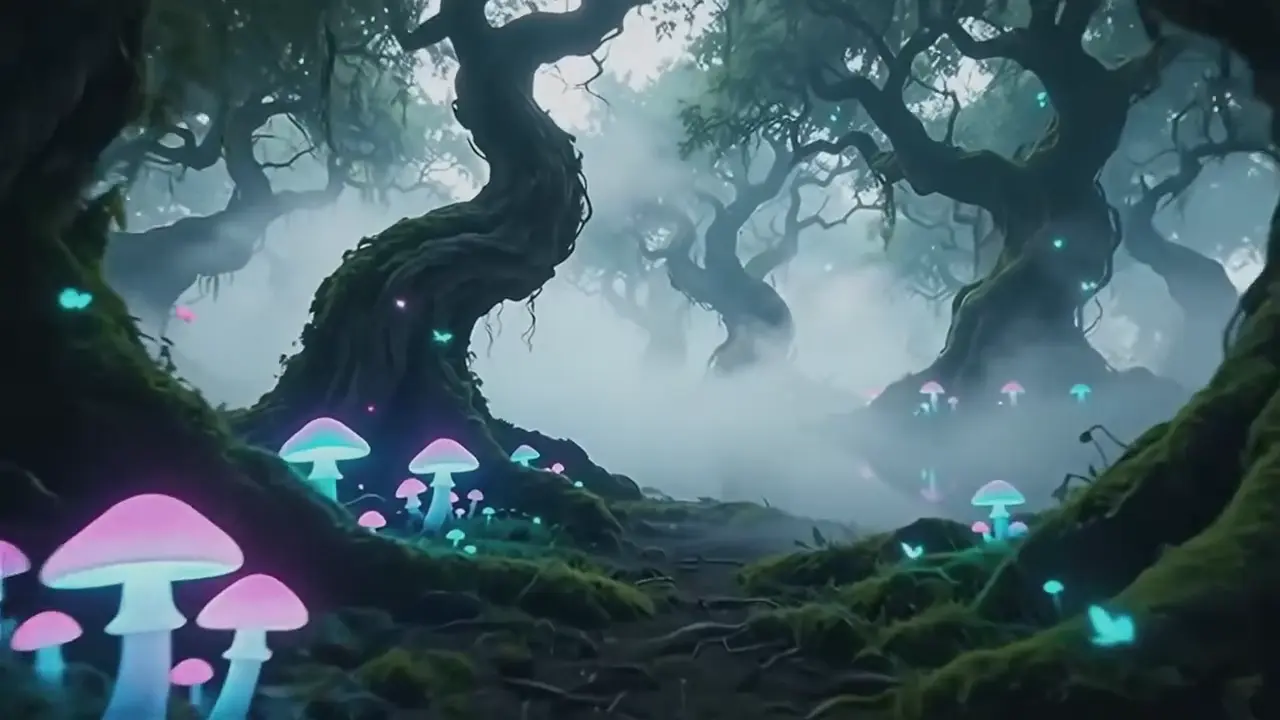
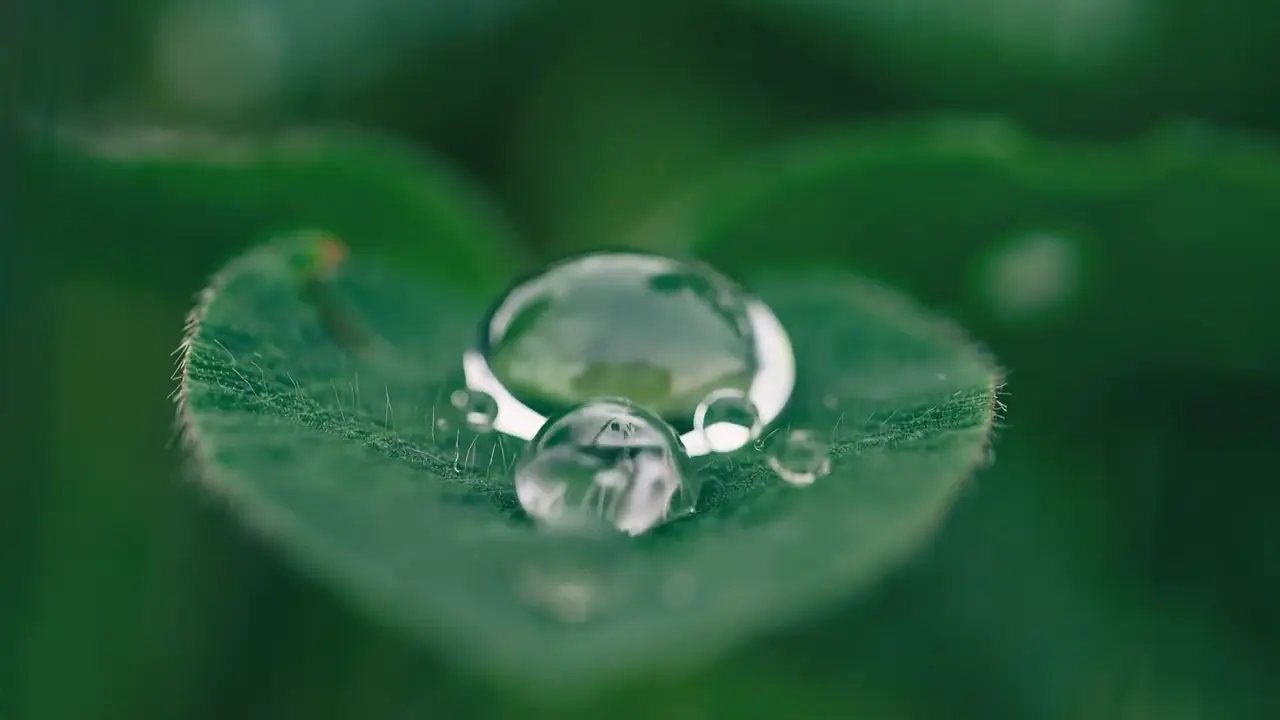
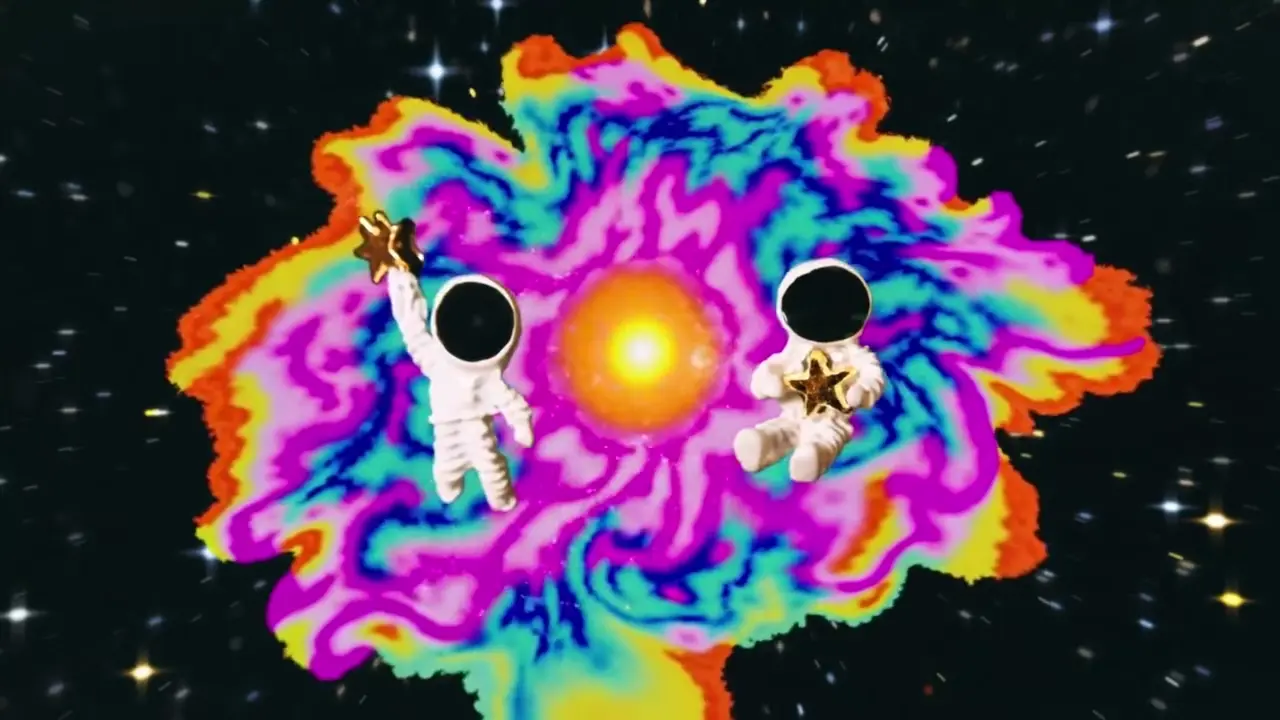
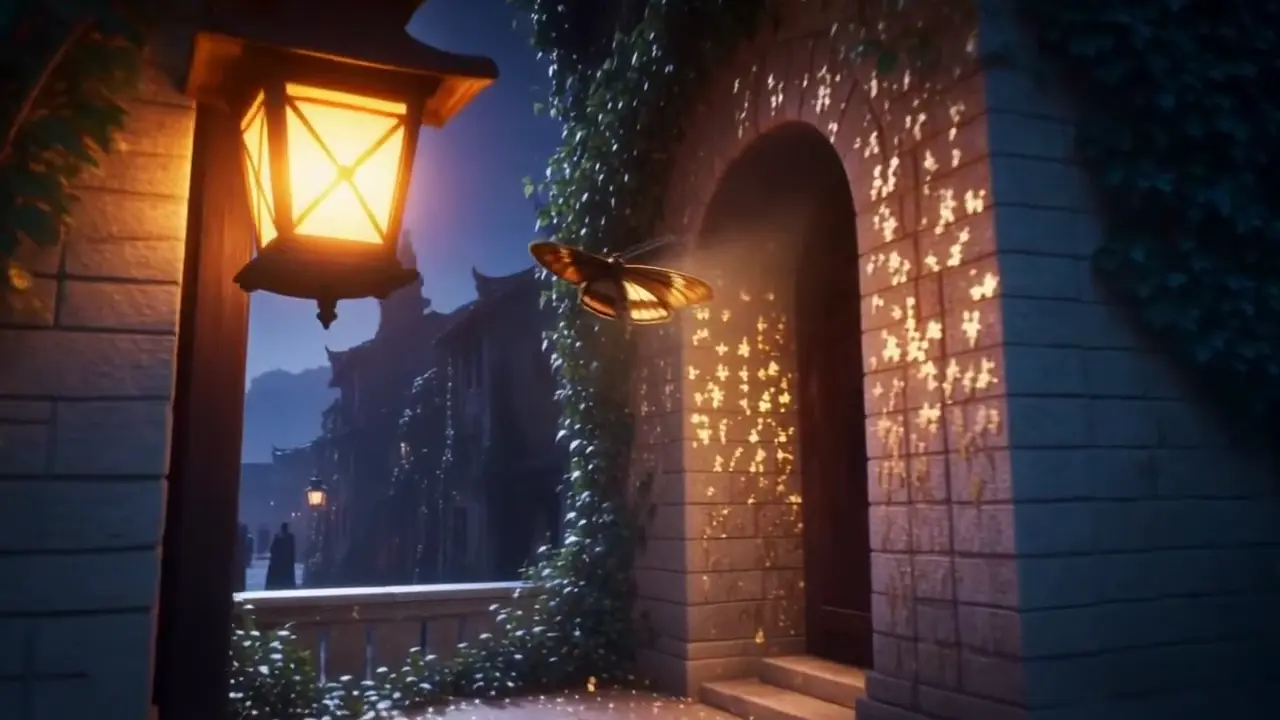
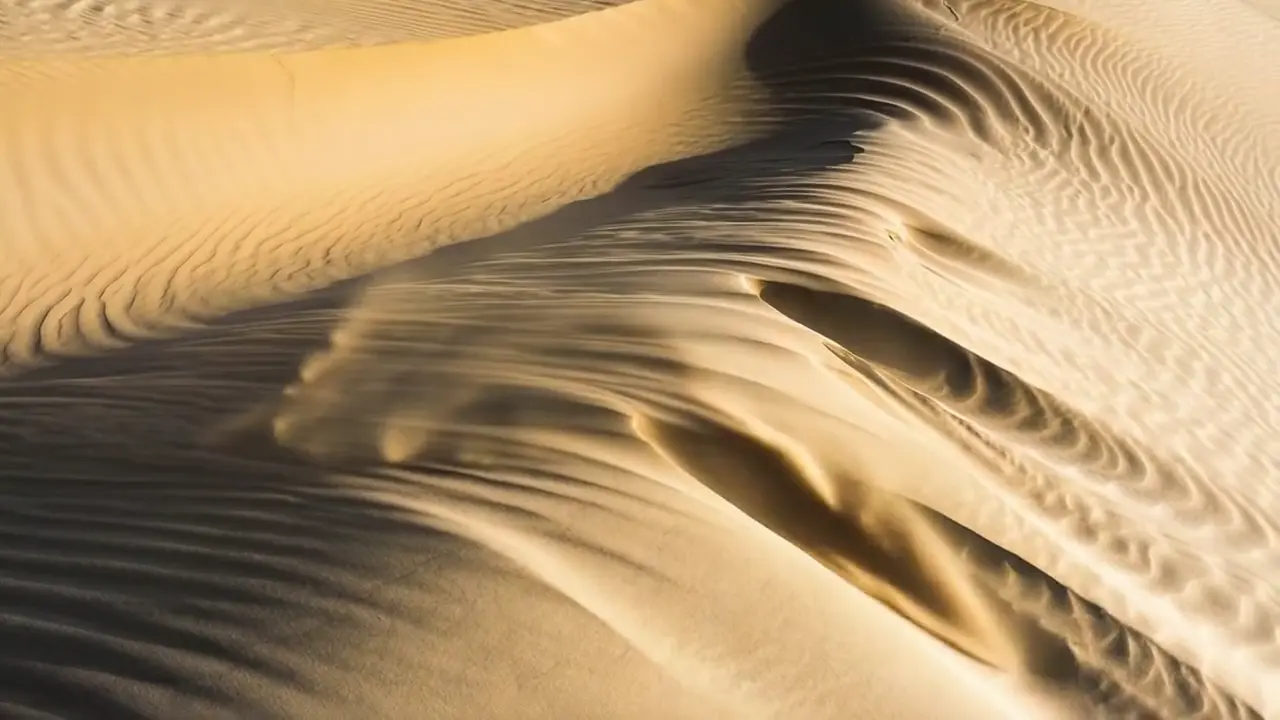
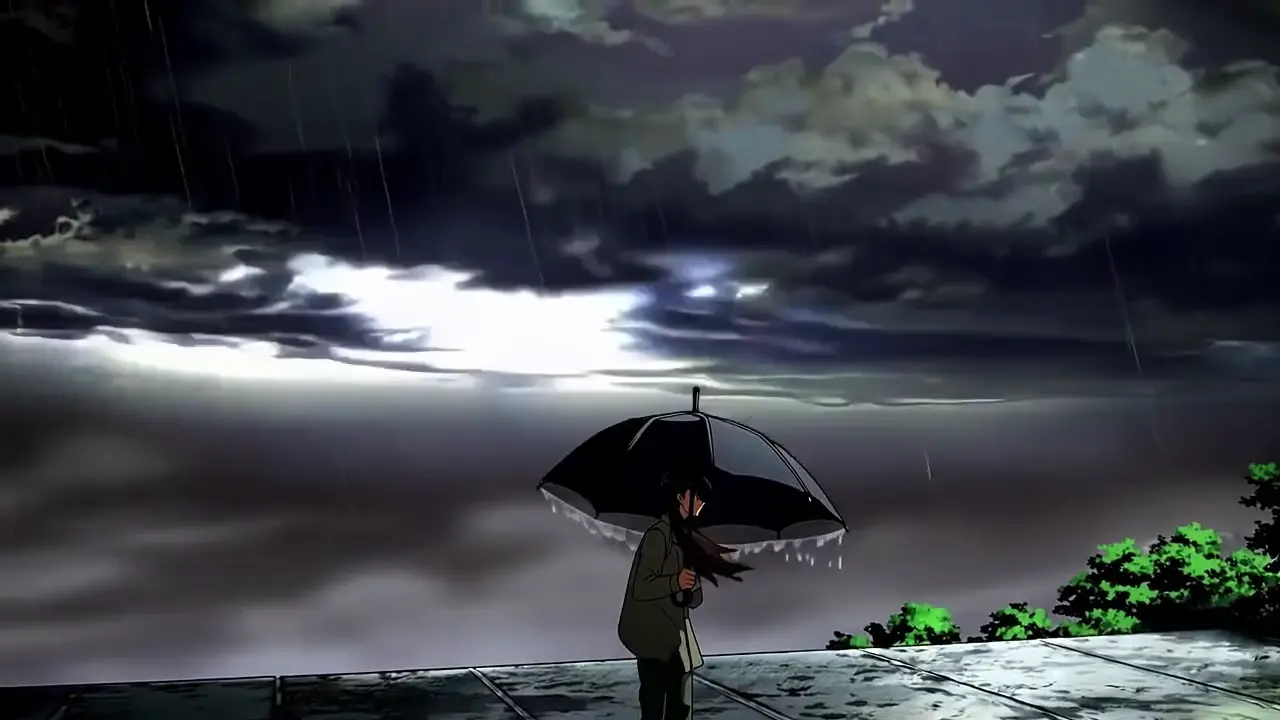
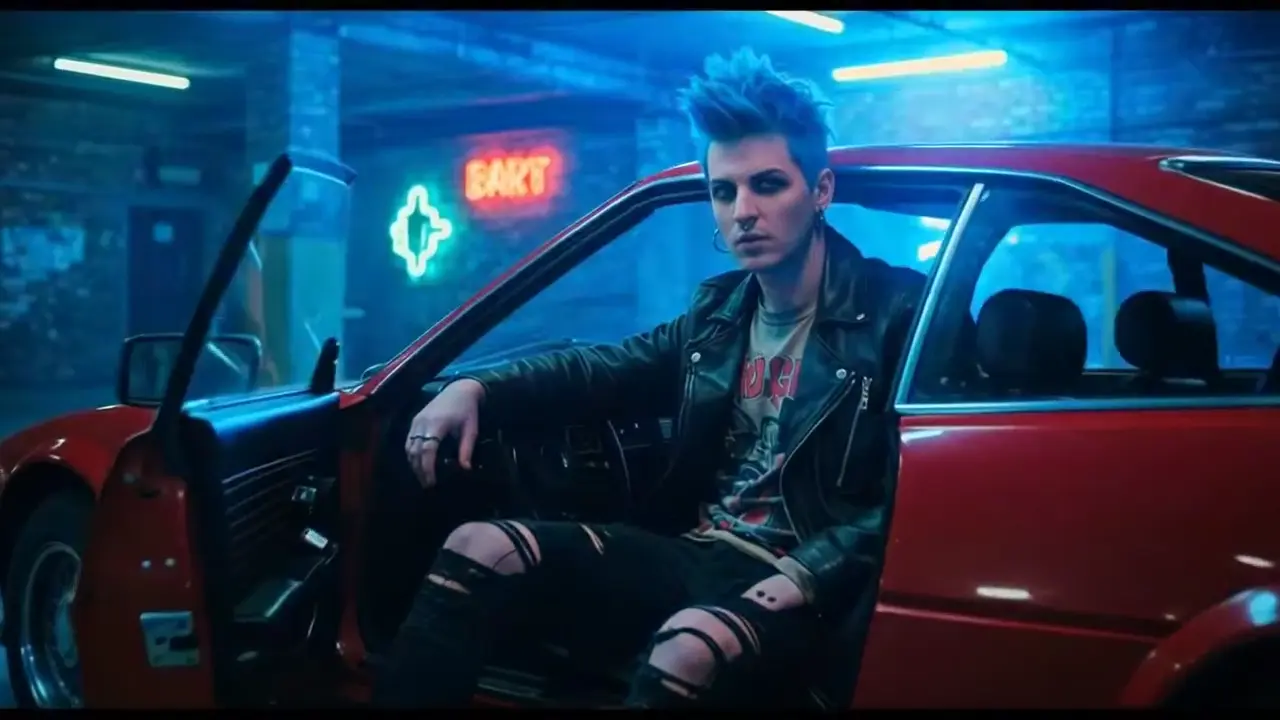
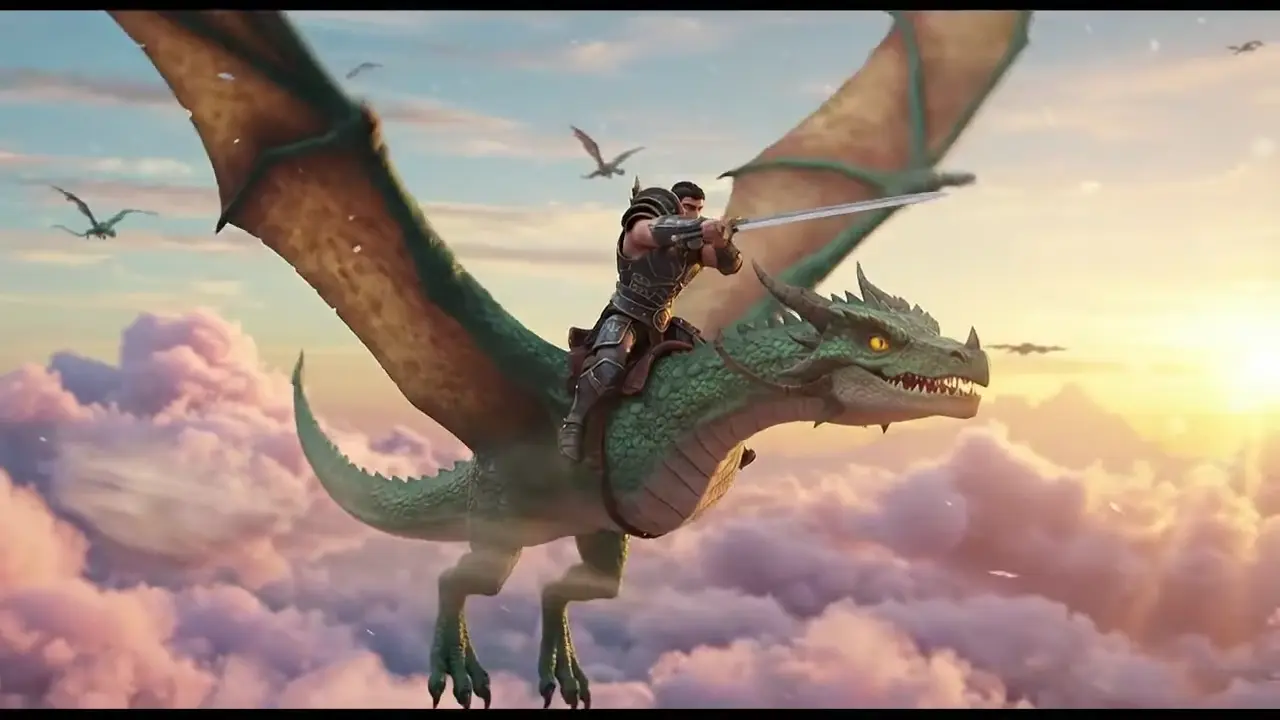
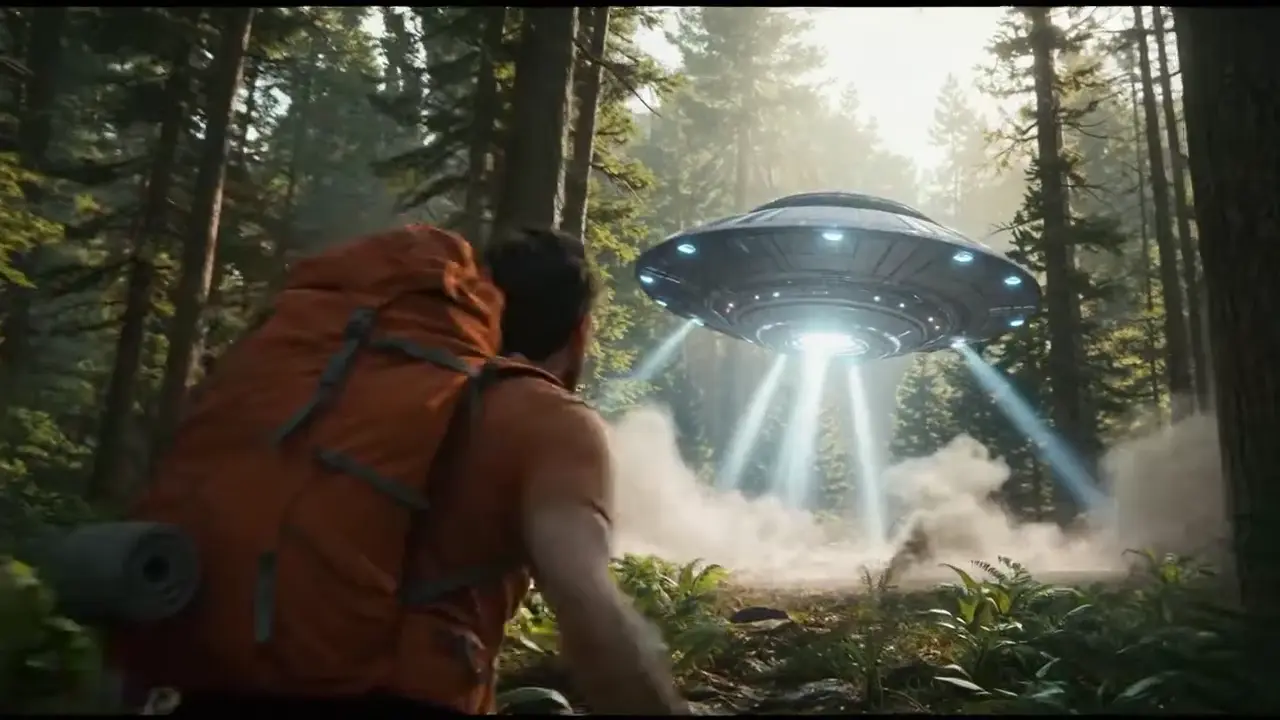
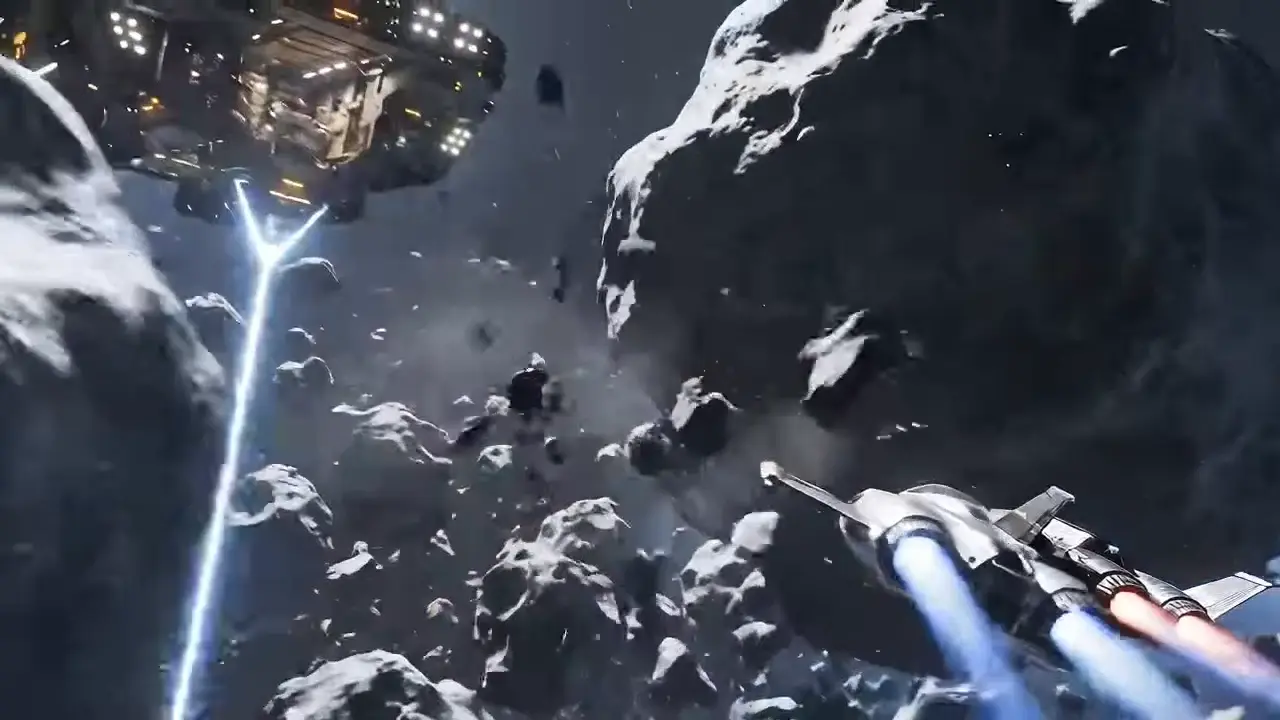
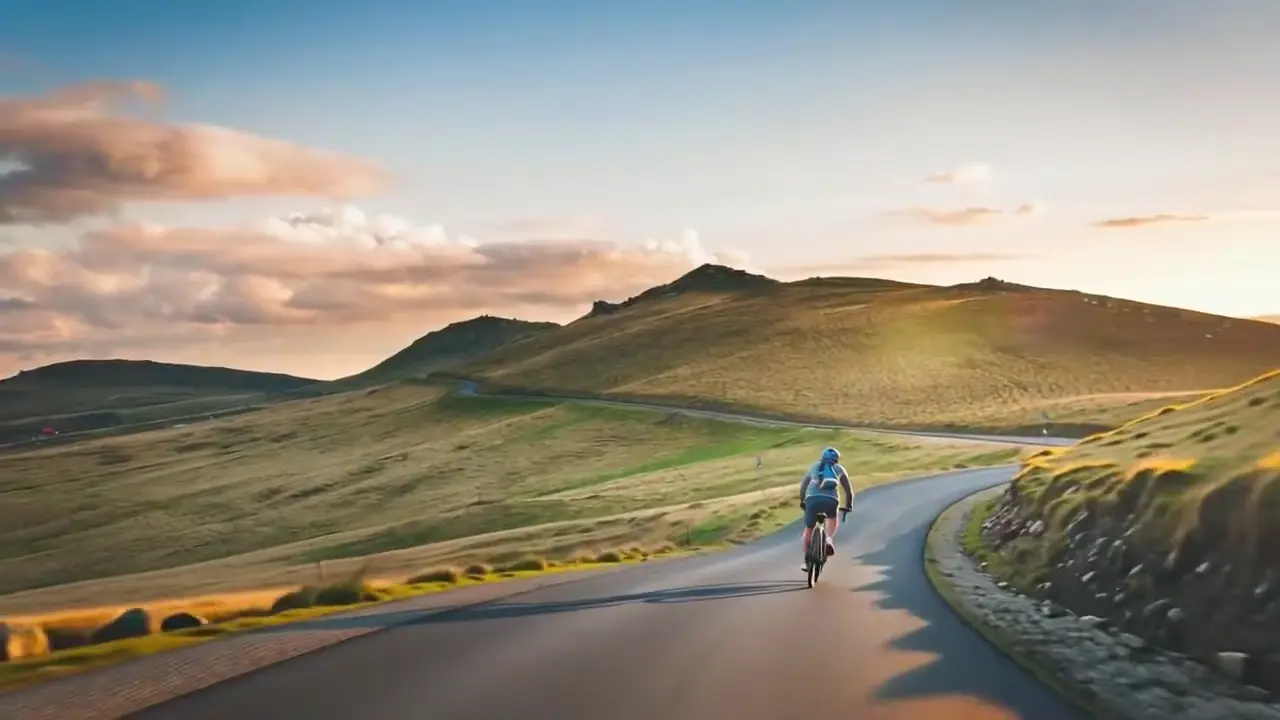
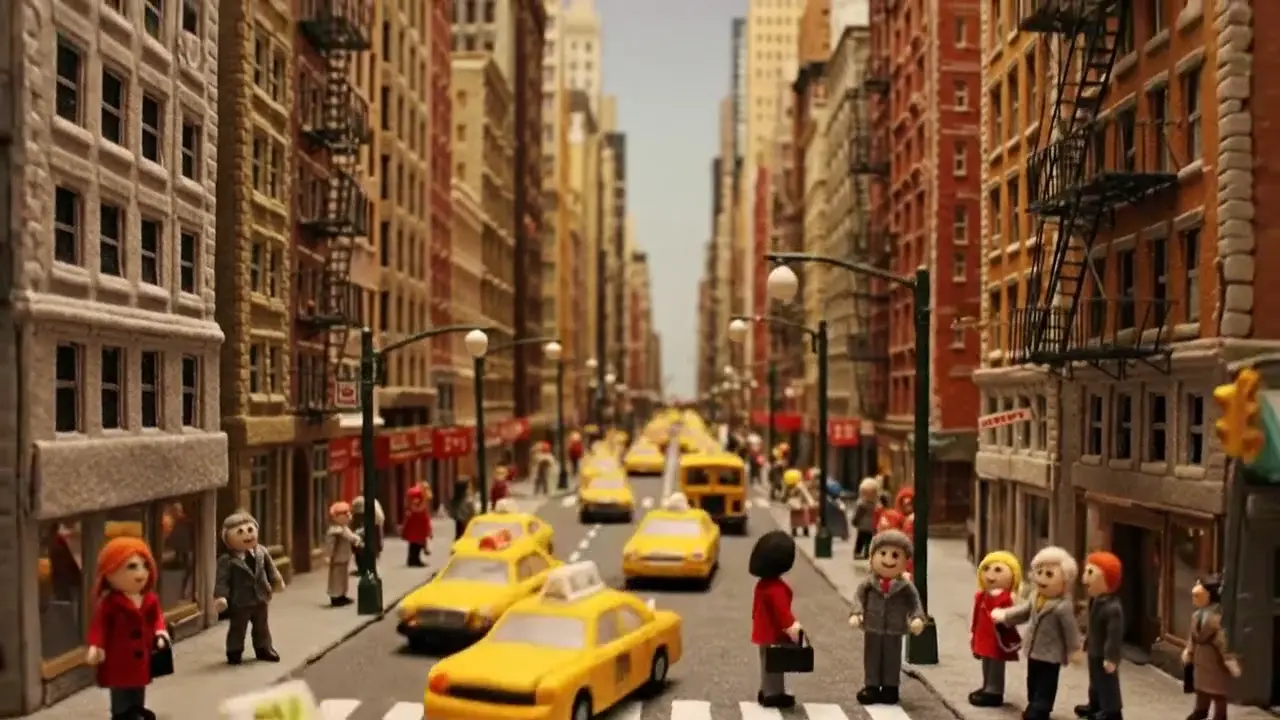
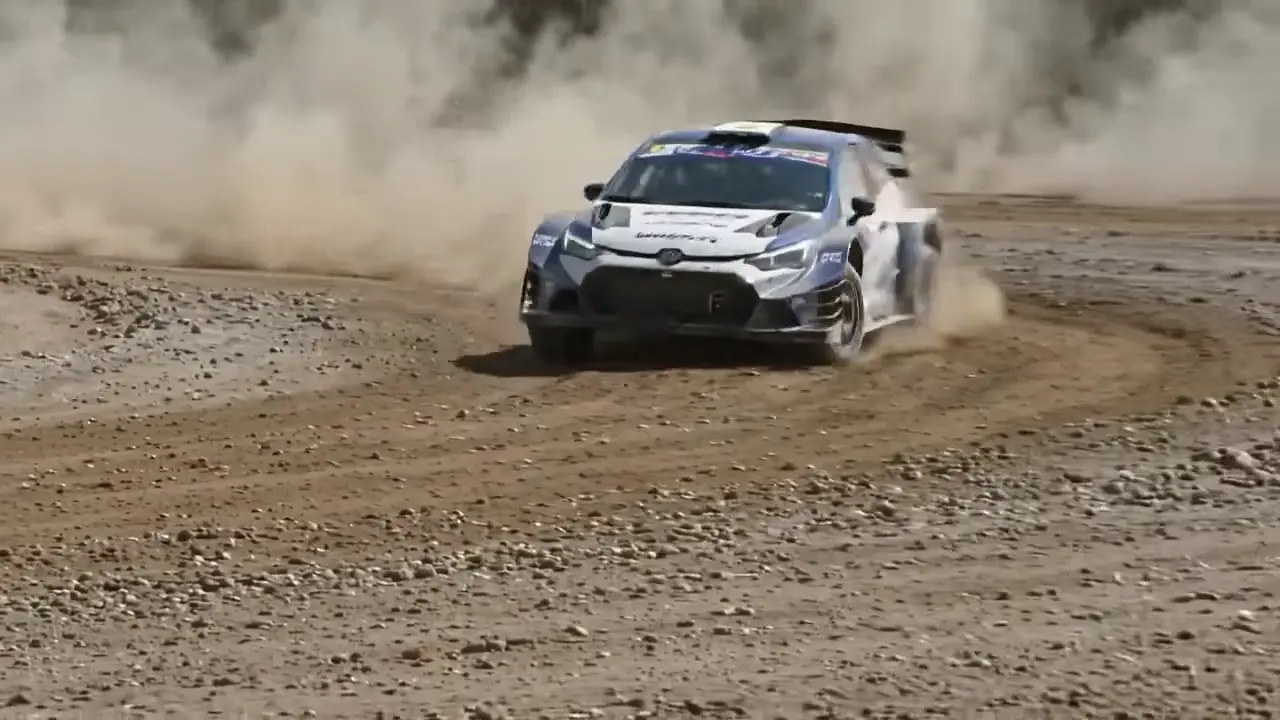
Happy Horse 1.0 outputs may include AI-generated video, audio, and visuals. Review every result before publishing, client delivery, or commercial use.
What Is Happy Horse 1.0?
Happy Horse 1.0 for creators and teams
Happy Horse 1.0 is a modern AI video generator designed for fast text-to-video and image-to-video creation.
It helps teams explore happy horse ai workflows with a practical, polished production experience.
Happy Horse text-to-video
Write a prompt in plain English and let Happy Horse 1.0 turn your concept into a clear, motion-ready draft.
Happy Horse image-to-video
Upload a still image and use Happy Horse 1.0 to add motion, depth, and platform-ready storytelling.
Happy Horse creator workflow
Use HappyHorse 1.0 for product demos, social campaigns, explainers, and rapid creative iteration.
Why Choose Happy Horse 1.0
HappyHorse 1.0 gives creators speed and control
HappyHorse 1.0 simplifies AI video creation for marketing, content, and storytelling.
HappyHorse supports both prompt-based video generation and image-to-video animation.
HappyHorse 1.0 helps teams create more video content without traditional production overhead.
HappyHorse makes happy horse ai workflows easier to explore.
Powerful Happy Horse 1.0 Features 🎯
Creator-first AI video workflows for text-to-video and image-to-video
Happy Horse text-to-video
Write a clear prompt in plain English and let Happy Horse 1.0 turn your concept into a motion-ready video draft with strong scene direction and creative intent.
Happy Horse image-to-video
Upload a still image and animate it with depth, motion, and storytelling. Happy Horse 1.0 helps turn product visuals, illustrations, and concepts into engaging clips.
Happy Horse prompt alignment
Guide scenes, mood, motion, and framing with detailed prompts. Happy Horse 1.0 is designed to keep the result aligned with your creative direction.
Happy Horse fast iteration
Generate, review, refine, and regenerate quickly. Happy Horse 1.0 supports rapid testing cycles so creators and teams can improve outputs without heavy editing workflows.
Happy Horse multiformat output
Create content for vertical, horizontal, and social-friendly formats. Happy Horse 1.0 supports flexible publishing needs across marketing, creator, and presentation channels.
Happy Horse creative flexibility
Use Happy Horse 1.0 for ads, explainers, social clips, launch videos, demos, tutorials, and experimental visual storytelling with practical production speed.
How to Create with Happy Horse 1.0
A simple workflow for fast AI video creation and iteration
Describe Your Idea
Enter a prompt with subject, action, style, mood, lighting, and camera direction so Happy Horse 1.0 can understand the scene more clearly.
Choose Your Format
Select text-to-video or image-to-video, then match the aspect ratio and visual direction to the platform or campaign you plan to publish.
Generate and Refine
Create your video, review the result, and improve it with clearer motion, framing, pacing, or style instructions. Happy Horse 1.0 is built for fast creative iteration.
Why Choose Happy Horse 1.0
Built for creators, teams, and modern publishing workflows
Creator-Friendly Workflow
Happy Horse 1.0 helps creators, marketers, founders, and teams move from idea to video without the usual production friction.
Text and Image Inputs
Start with a written prompt or a still image. Happy Horse 1.0 supports both text-to-video and image-to-video workflows for more flexible project starts.
Natural Prompting
Use simple language to guide subject, motion, style, and framing. Happy Horse 1.0 makes AI video creation more accessible without complex editing software.
Faster Production Cycles
Create more video content with less overhead. Happy Horse 1.0 helps teams test concepts, refine ideas, and publish faster across multiple channels.
Happy Horse 1.0 Use Cases
Where creators and teams use Happy Horse every day
Marketing Campaign Videos
Turn launch messaging, product benefits, and brand hooks into short campaign videos for paid ads, landing pages, and organic distribution.
Social Media Content
Create clips for TikTok, Reels, Shorts, and creator channels with fast concept testing and platform-ready visual output.
E-commerce Product Storytelling
Animate product images, promotional visuals, and lifestyle assets to support storefronts, listings, and seasonal campaigns.
Creative Team Ideation
Storyboard faster, test scenes earlier, and explore structured prompt ideas before moving into full production or post-editing.
Happy Horse 1.0 FAQ
Common questions about AI video creation, workflow, and quality
What is Happy Horse 1.0?
Happy Horse 1.0 is an AI video generator for text-to-video and image-to-video creation, built for creators, marketers, founders, and teams that need faster visual production.
How does Happy Horse 1.0 work?
Happy Horse 1.0 starts with your text prompt or image, then generates a video draft based on scene direction, motion cues, visual style, and output format preferences.
Is Happy Horse 1.0 good for image-to-video workflows?
Yes. Happy Horse 1.0 is useful for turning still product shots, illustrations, concept art, and marketing visuals into motion-ready video content.
What makes Happy Horse 1.0 different from other AI video generators?
It focuses on a creator-friendly workflow, fast iteration, prompt clarity, and practical output for marketing, social, and presentation use cases.
How can I get better results with Happy Horse 1.0?
Write clearer prompts, define the scene and motion precisely, keep style direction focused, and iterate with specific creative feedback to improve output quality.
Create with Happy Horse 1.0
Turn prompts and images into polished AI videos in minutes
View Plans