
Happy Horse 1.0: Turn Still Images into Cinematic Videos 🎬
Use Happy Horse 1.0 to animate product photos, illustrations, concept art, and marketing visuals into motion-ready video content with creator-friendly controls and fast iteration.
Convert static images to dynamic videos
Tip: Be detailed and specific for better results. Describe the subject, style, lighting, mood, and composition.
Example Gallery
See what you can create with image to-video
Video Showcase
Explore a curated wall of AI-generated video clips created with Happy Horse 1.0. Click any tile to load and play the full video—optimized for fast page performance.
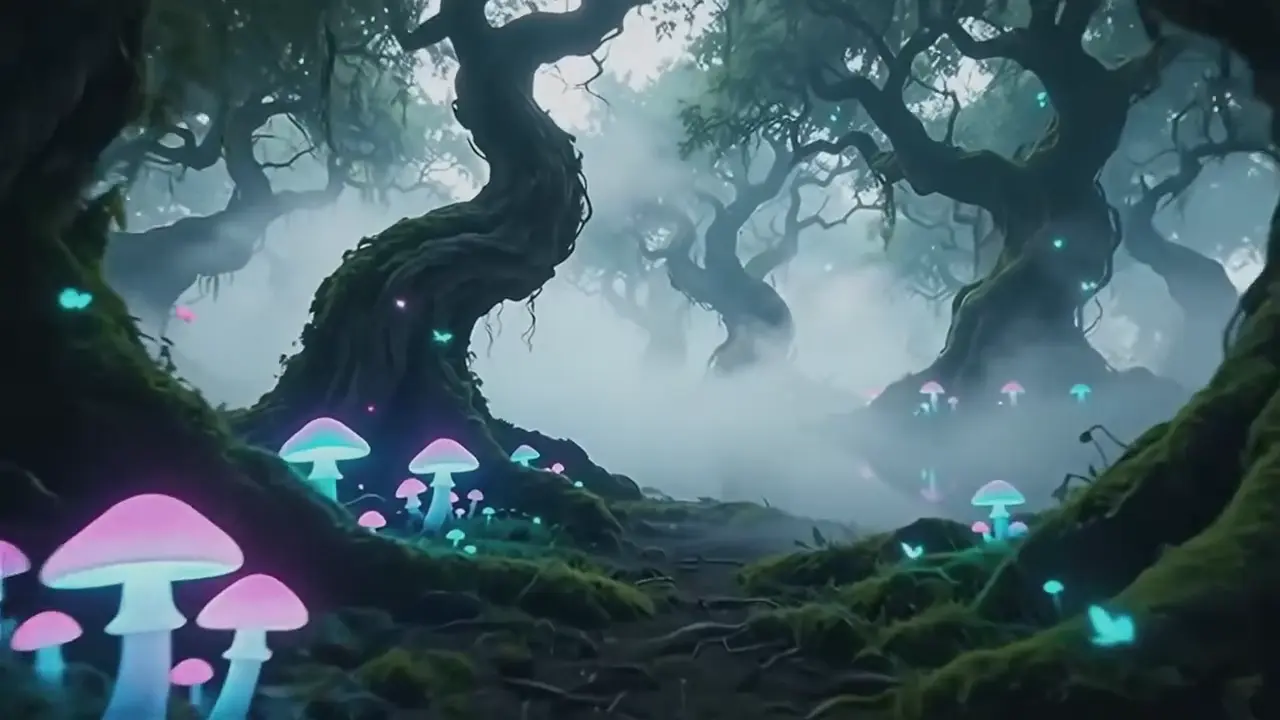
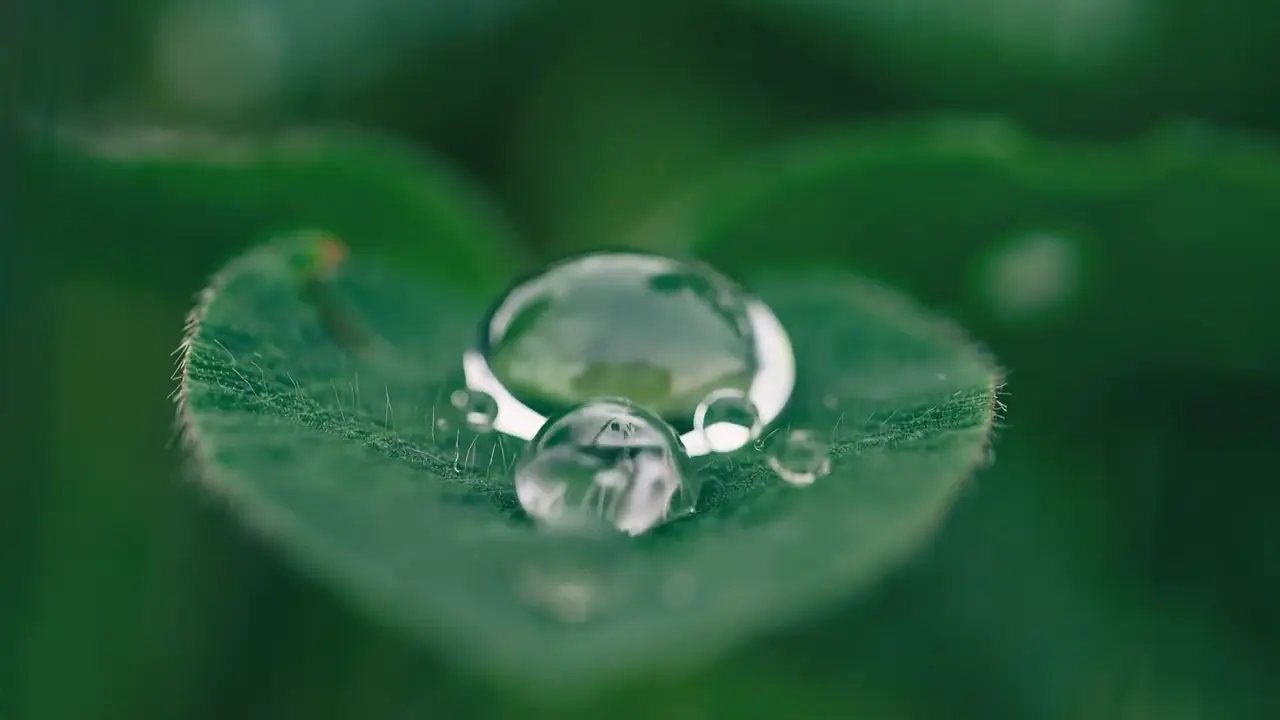
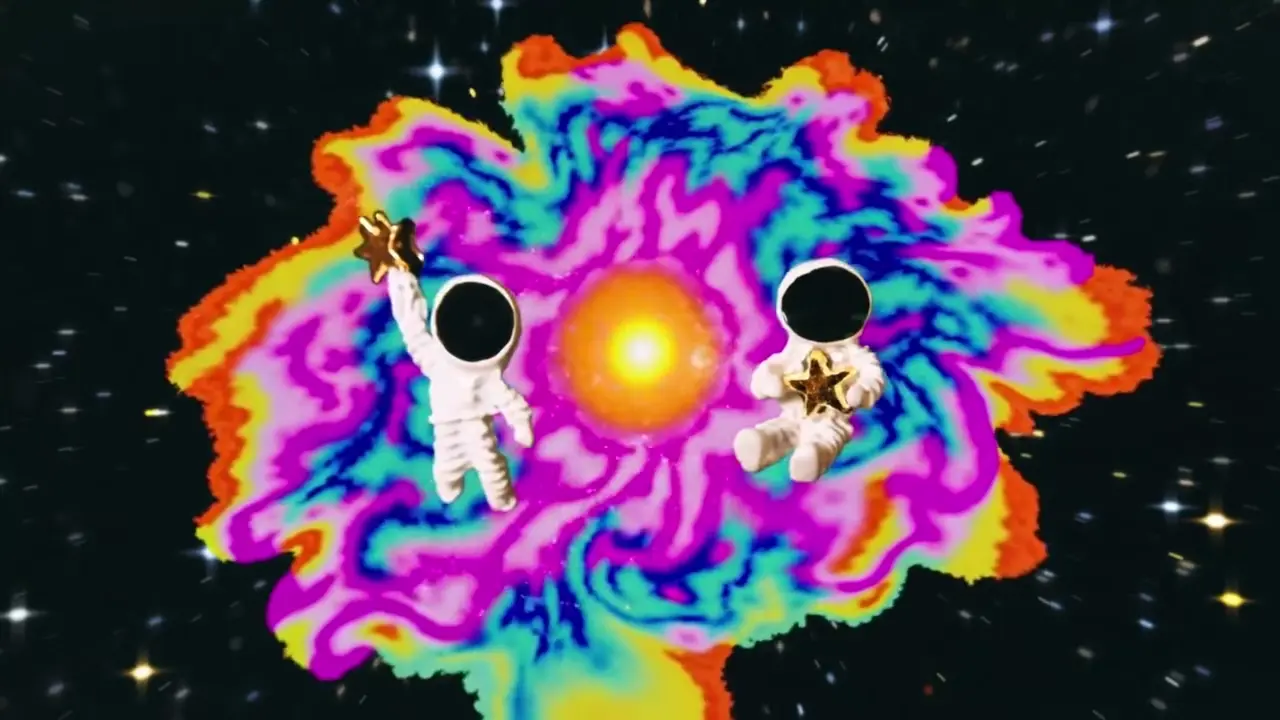
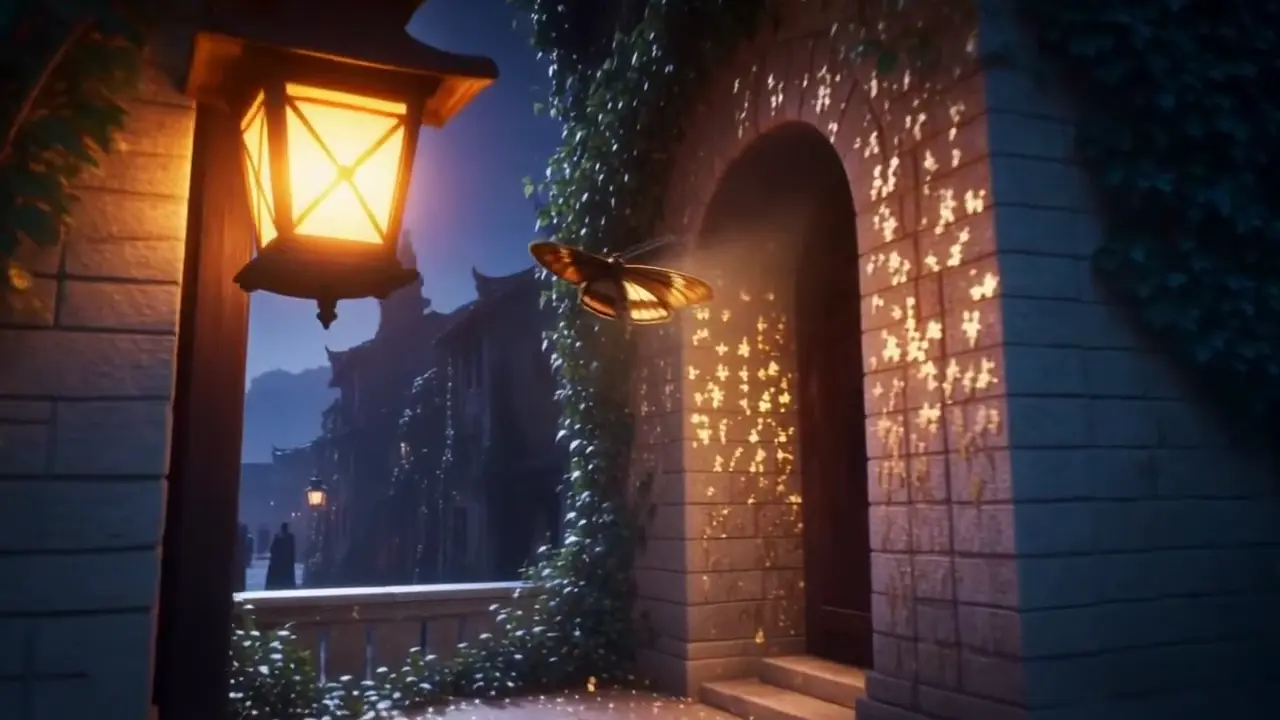
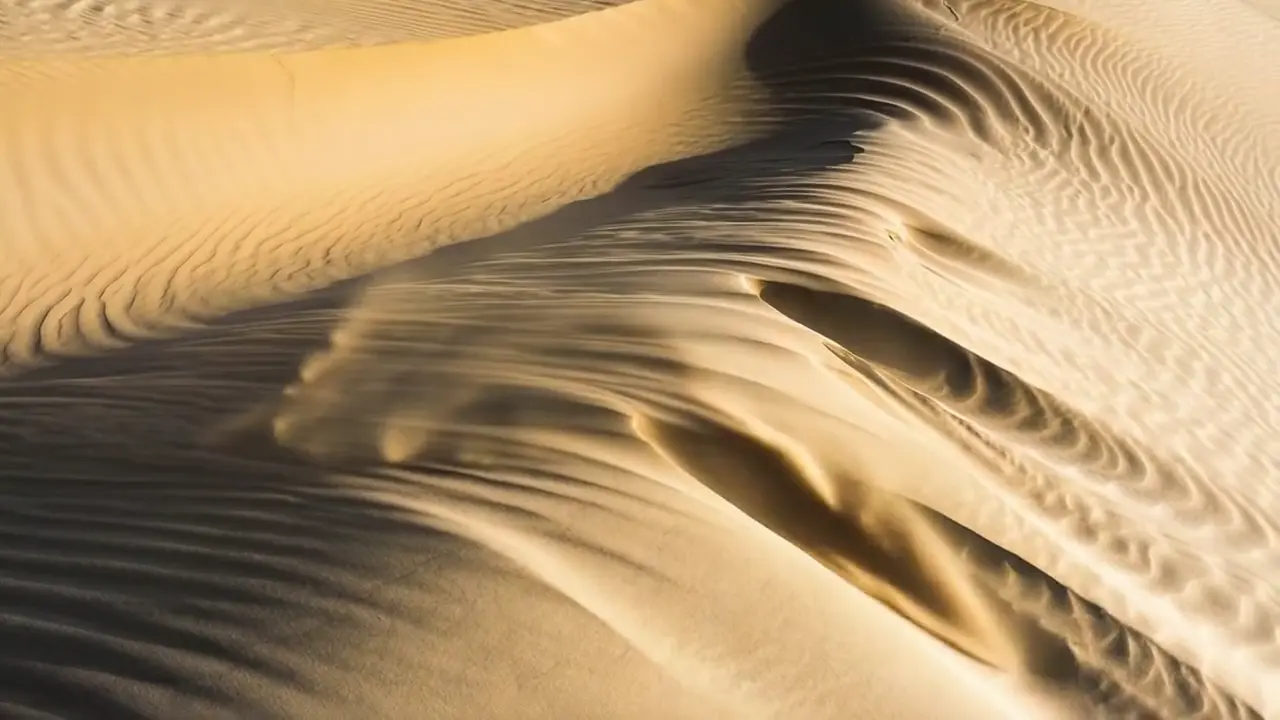
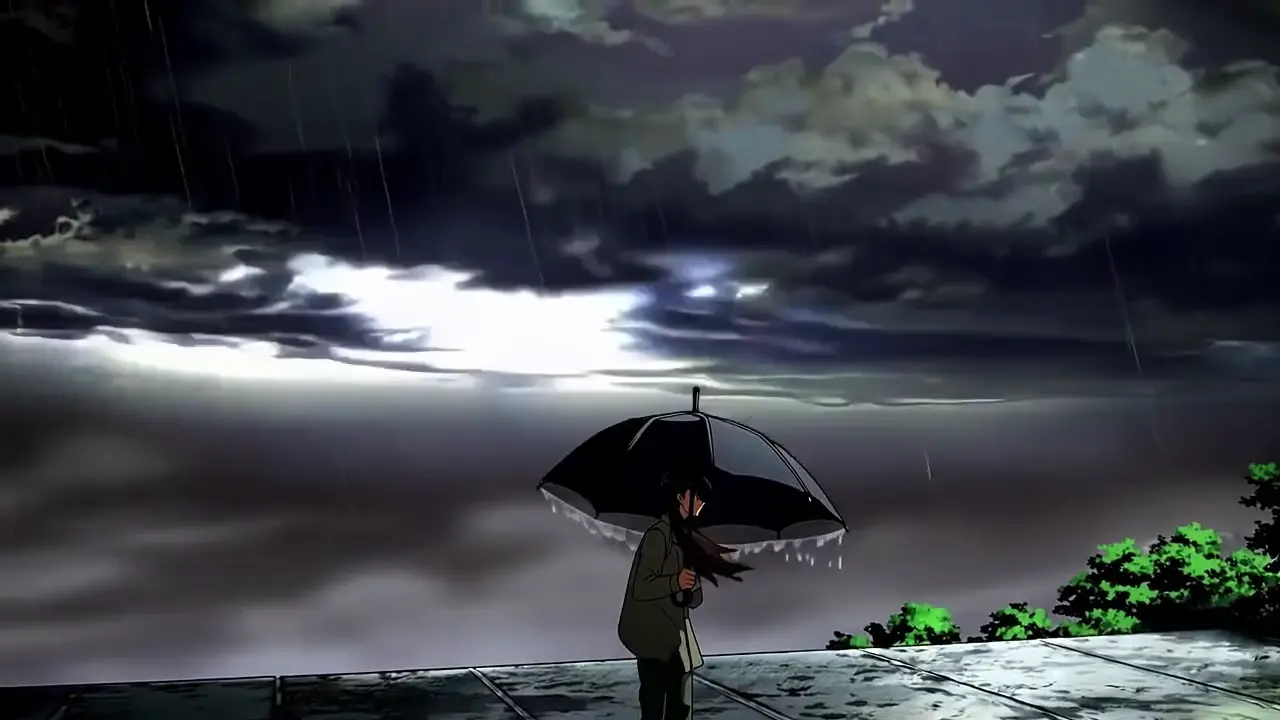
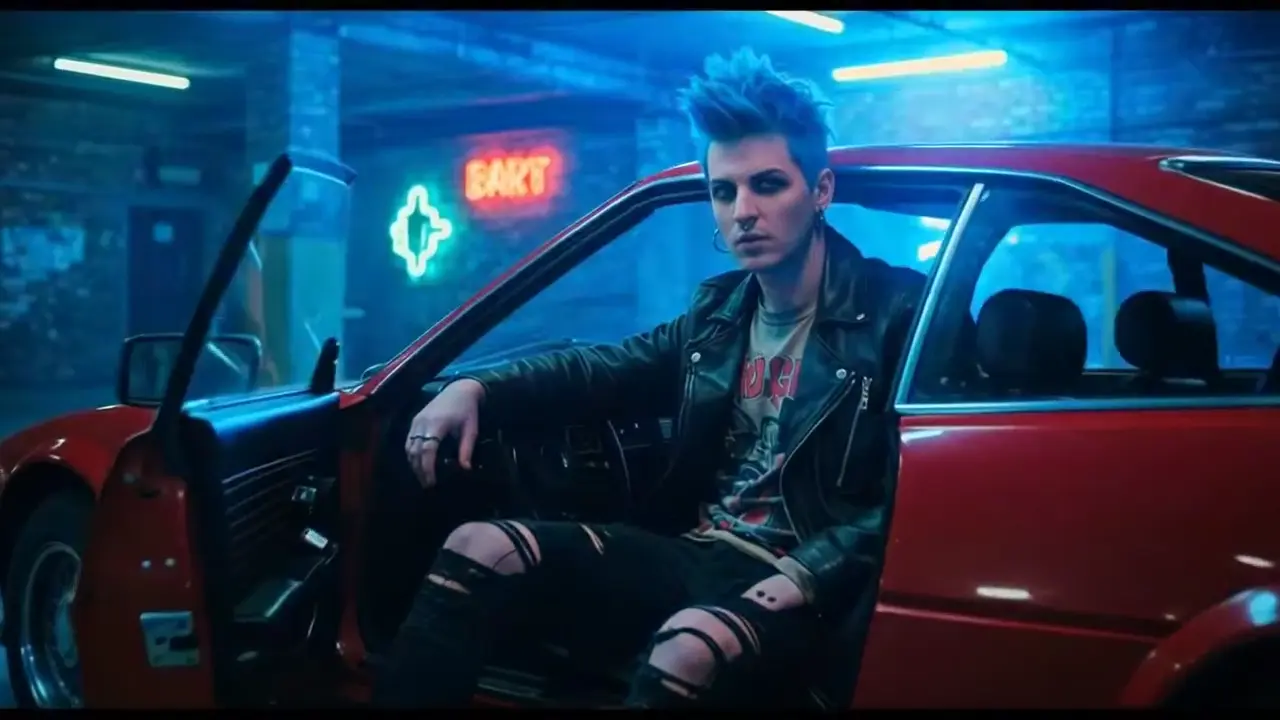
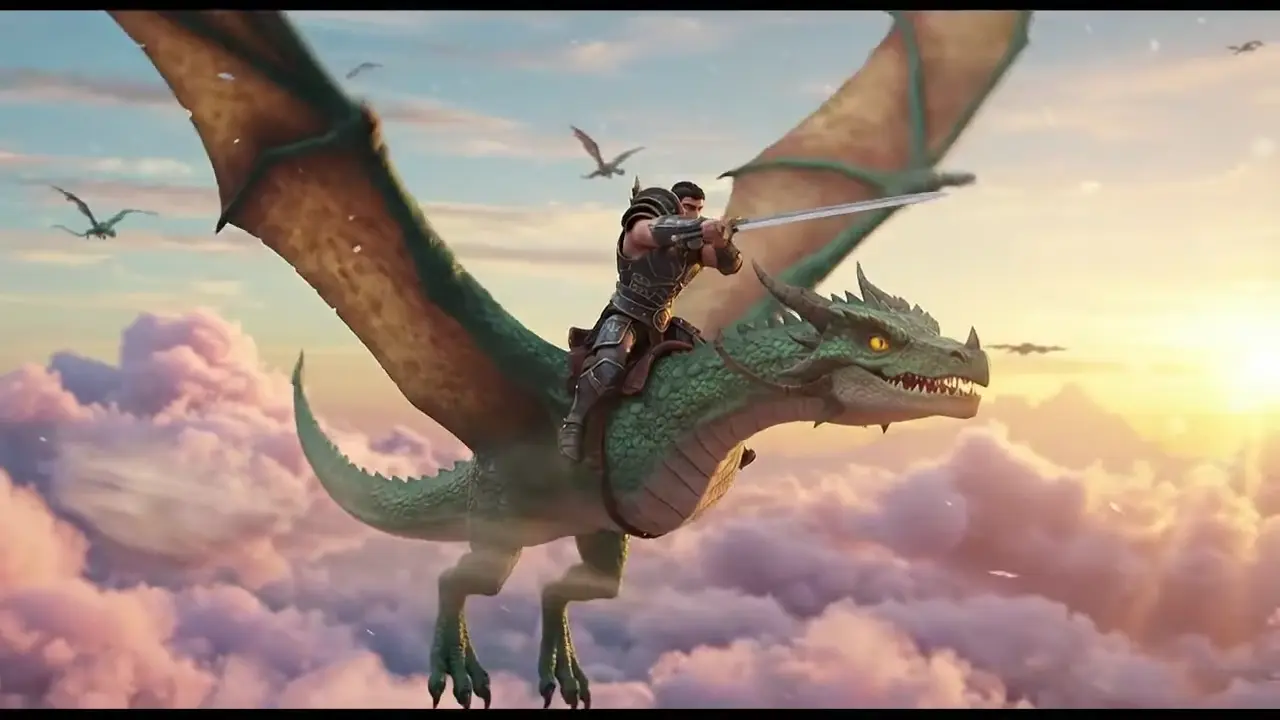
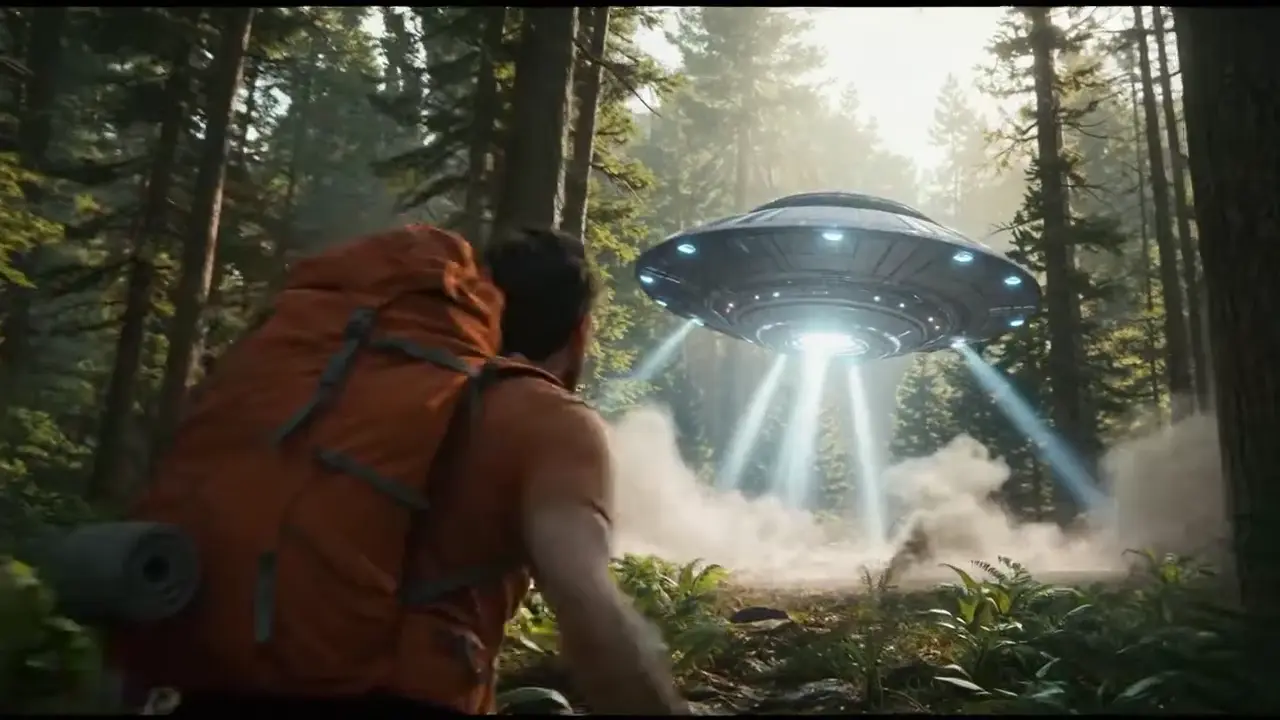
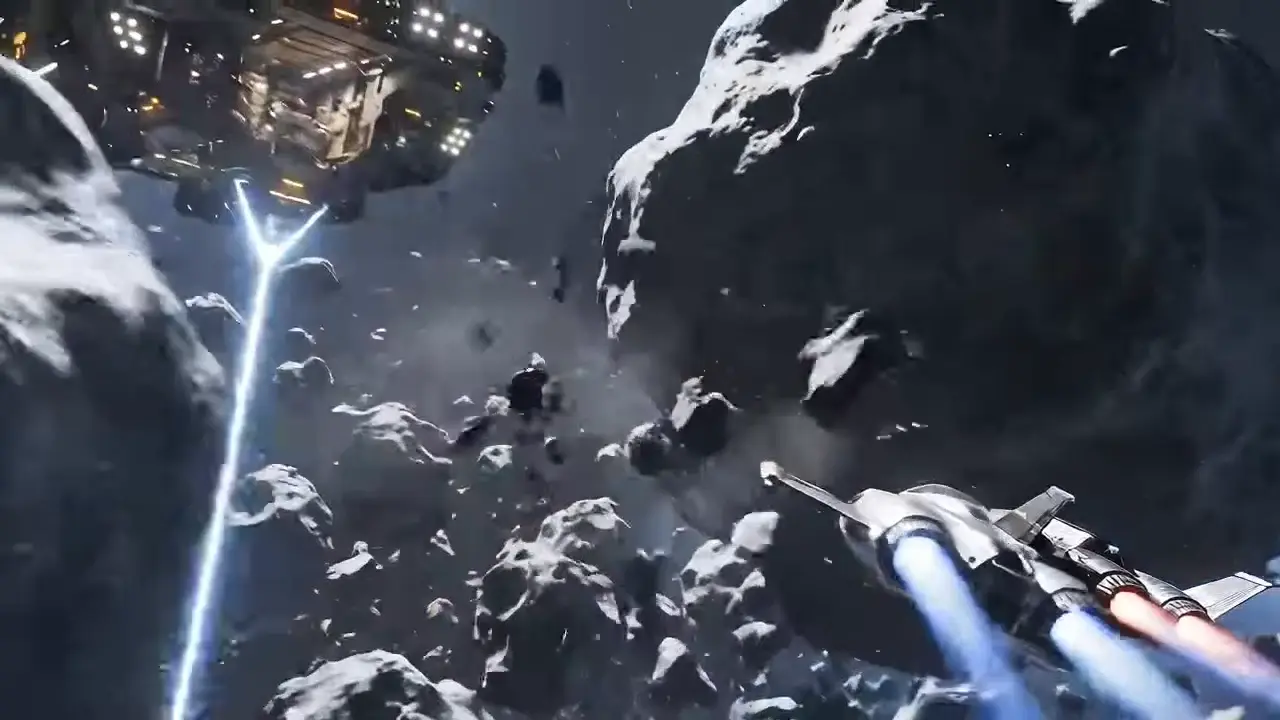
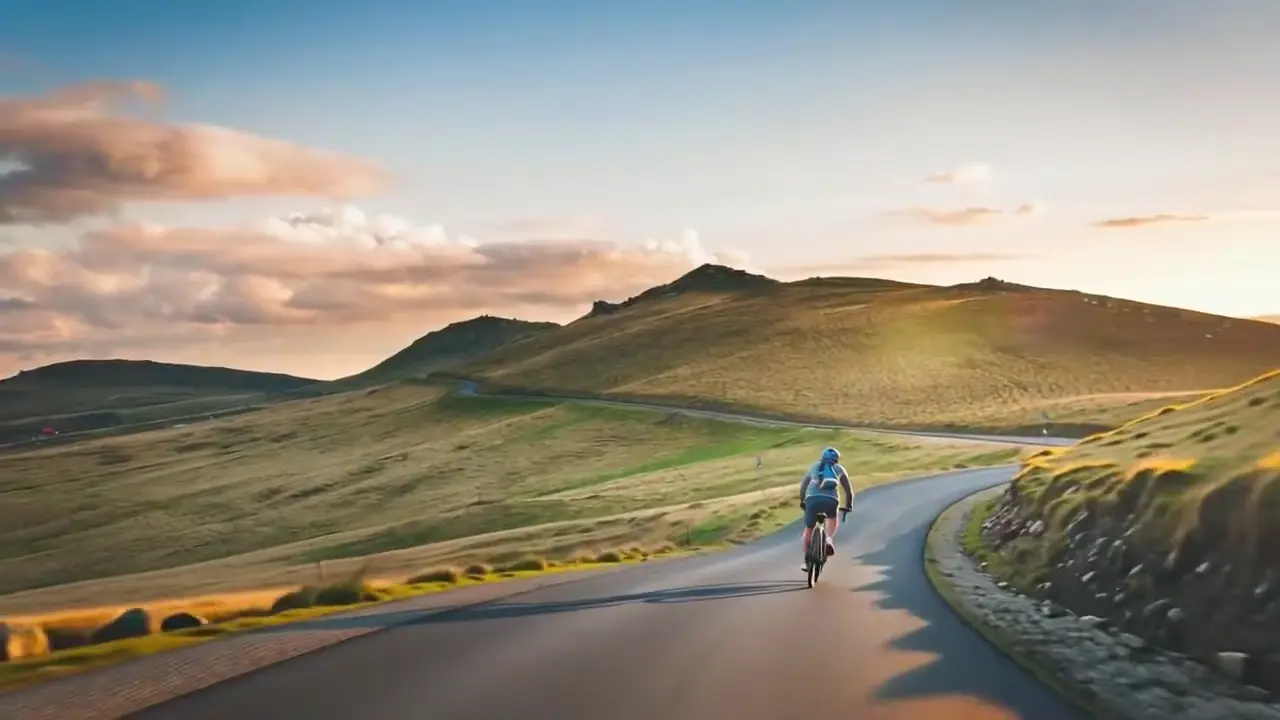
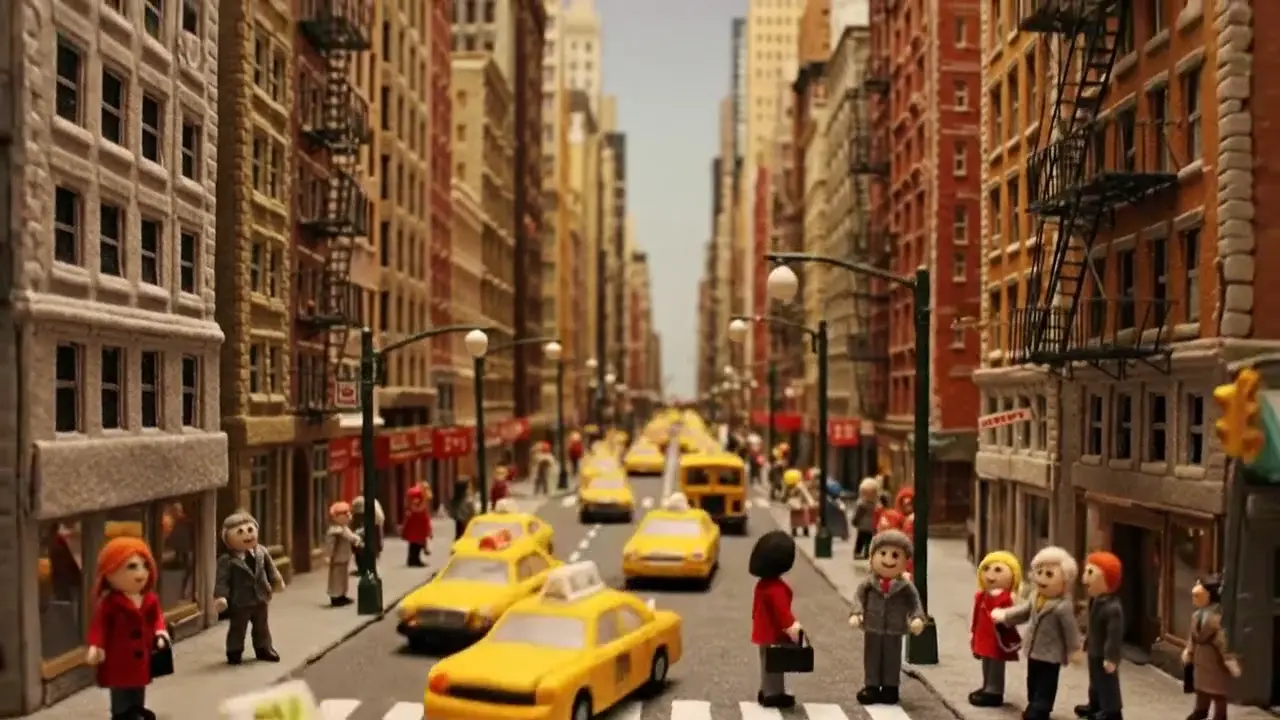
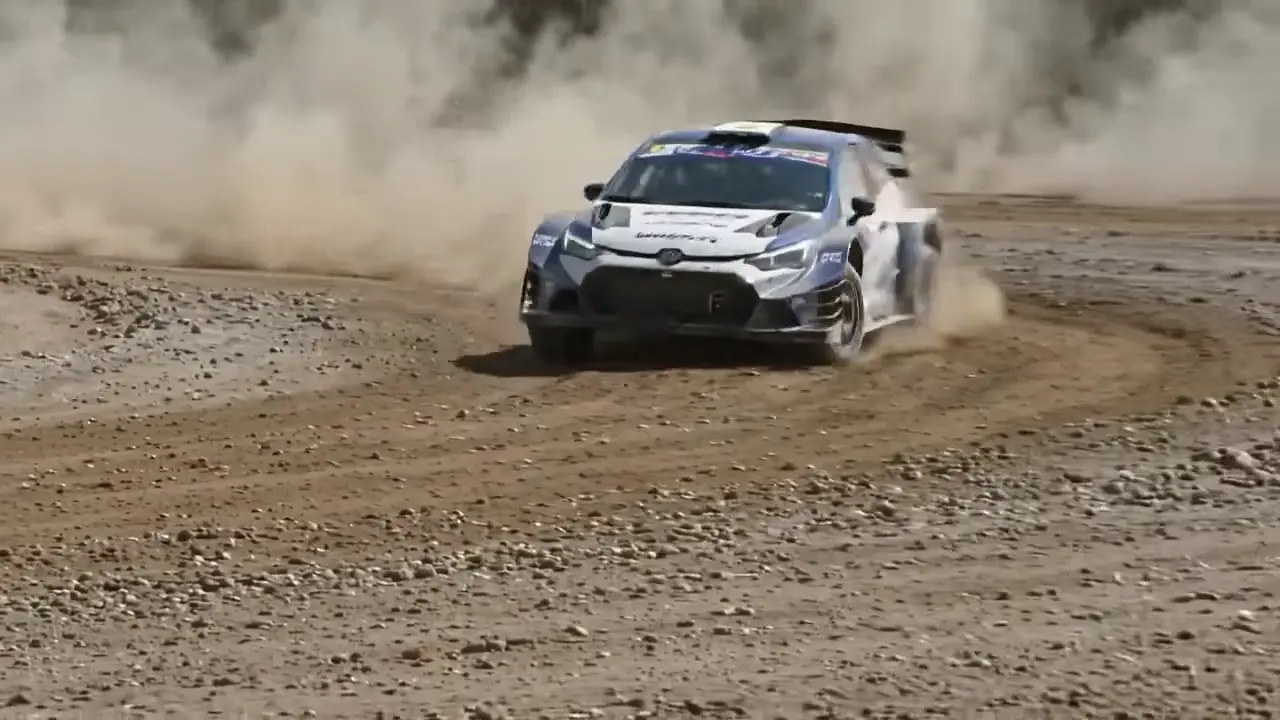
Happy Horse 1.0 outputs may include AI-generated video, audio, and visuals. Review every result before publishing, client delivery, or commercial use.
What Is Happy Horse 1.0?
Happy Horse 1.0 for creators and teams
Happy Horse 1.0 is a modern AI video generator designed for fast text-to-video and image-to-video creation.
It helps teams explore happy horse ai workflows with a practical, polished production experience.
Happy Horse text-to-video
Write a prompt in plain English and let Happy Horse 1.0 turn your concept into a clear, motion-ready draft.
Happy Horse image-to-video
Upload a still image and use Happy Horse 1.0 to add motion, depth, and platform-ready storytelling.
Happy Horse creator workflow
Use HappyHorse 1.0 for product demos, social campaigns, explainers, and rapid creative iteration.
Why Choose Happy Horse 1.0
HappyHorse 1.0 gives creators speed and control
HappyHorse 1.0 simplifies AI video creation for marketing, content, and storytelling.
HappyHorse supports both prompt-based video generation and image-to-video animation.
HappyHorse 1.0 helps teams create more video content without traditional production overhead.
HappyHorse makes happy horse ai workflows easier to explore.
Advanced Happy Horse 1.0 Image-to-Video Tools ✨
Creator-first motion workflows for modern visual storytelling
Happy Horse image-to-video
Upload a still image and let Happy Horse 1.0 add motion, depth, and scene energy to turn static visuals into engaging video content.
Consistent visual storytelling
Happy Horse 1.0 helps keep the core subject, composition, and style direction stable so image-based videos feel cleaner and more polished.
Prompt-guided motion control
Describe how movement should happen using simple language, including subject action, mood, pacing, and scene direction for clearer animation results.
Platform-ready output
Create image-to-video content for social, marketing, presentations, and creator publishing across vertical and horizontal formats.
Flexible creator workflow
Use product visuals, illustrations, concept frames, or campaign assets as the starting point for rapid video ideation and faster asset reuse.
Fast creative iteration
Generate, review, refine, and regenerate quickly so teams can test more image-based concepts without heavy production overhead.
Animate Images in Three Easy Steps 🚀
From static image to motion-ready AI video
Upload Your Image
Start with a clear still image such as a product shot, illustration, concept visual, or branded asset you want to bring to life.
Describe the Motion
Tell Happy Horse 1.0 how the scene should move by describing subject action, camera framing, mood, lighting, and pacing in simple language.
Generate and Refine
Create the animated result, then improve it with clearer direction on motion, framing, or style to get a stronger final image-to-video output.
Why Choose Happy Horse 1.0 for Image-to-Video? 💡
Fast, flexible, creator-friendly AI video workflows
Faster from asset to video
Happy Horse 1.0 shortens the path from still image to publishable video content, helping creators and teams move faster without complex production steps.
Cleaner visual output
The workflow is designed to keep image-based storytelling visually clear so your animated results feel polished and ready for marketing or creator use.
Rapid testing and iteration
Explore more directions in less time by generating, reviewing, and refining image-to-video outputs with specific prompt feedback.
Easy natural-language control
You do not need advanced editing skills. Describe the motion, framing, and atmosphere you want, and Happy Horse 1.0 handles the generation workflow.
Built for modern publishing
Create image-to-video assets for social media, campaigns, product storytelling, educational content, and presentation workflows across multiple formats.
Practical creative flexibility
Use Happy Horse 1.0 for branded ads, demos, explainers, mood pieces, and early concept exploration with a workflow that supports asset reuse.
How Teams Use Happy Horse 1.0 Image-to-Video 🌟
Practical image animation workflows for creators and brands
E-commerce visuals
Turn product shots, seasonal creatives, and promotional assets into motion-ready videos for storefronts, ads, and campaign pages.
Social media content
Convert still visuals into short-form content for TikTok, Reels, Shorts, and creator channels with faster testing and publishing workflows.
Creative storytelling
Animate concept art, scene frames, and visual ideas to explore mood, motion, and narrative direction before full production begins.
Presentation visuals
Enhance decks, explainers, and internal storytelling with image-based videos that make static material more engaging and easier to follow.
Brand campaigns
Reuse branded images and key visuals to create motion content that supports launches, awareness campaigns, and ongoing content programs.
Educational and demo content
Animate diagrams, product images, and visual examples to support tutorials, demos, and clearer learning experiences.
Happy Horse 1.0 Image-to-Video FAQ 💭
Common questions about animating images with AI
How do I use Happy Horse 1.0 to animate an image?
Upload your image, describe the subject motion, scene direction, style, and pacing you want, then generate your first image-to-video result with Happy Horse 1.0.
What kinds of images work well for image-to-video?
Product photos, illustrations, concept art, marketing visuals, and branded assets all work well as starting points for Happy Horse 1.0 image-to-video workflows.
How can I get better image-to-video results?
Use a clear source image and write a more specific prompt that explains the subject, action, setting, mood, camera language, and intended use.
What can I create with Happy Horse 1.0 image-to-video?
You can create motion-ready content for social media, product storytelling, ads, explainers, presentations, and early creative ideation.
Can I control the style and motion?
Yes. Happy Horse 1.0 responds better when you clearly describe the visual mood, framing, movement, and pacing you want in the final video.
Is Happy Horse 1.0 good for marketing workflows?
Yes. It is useful for turning existing visuals into video assets quickly, helping teams produce more content with less traditional production overhead.
Can I use the generated videos for commercial projects?
Happy Horse 1.0 is designed for creator and business workflows. Always review your plan terms, asset rights, and usage requirements before commercial publishing.
What makes Happy Horse 1.0 different from other tools?
It focuses on creator-friendly workflows, fast iteration, practical image-to-video use cases, and accessible prompting for teams that need faster visual production.
Create Image-to-Video with Happy Horse 1.0 Today 🎥
Turn still visuals into cinematic AI videos for marketing, storytelling, and everyday content creation
Image-to-Video | Fast Iteration | Creator-Friendly Workflow